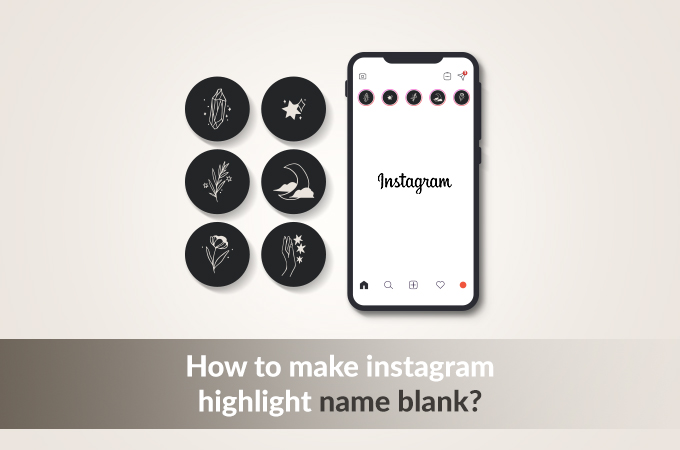
Want to make your highlight name blank on Instagram? You’re in the right place. Whether you’re going for a minimalist profile aesthetic or just think those little labels under your highlights look cluttered, removing them is surprisingly easy once you know the trick.
Instagram doesn’t let you leave the highlight name field empty. If you try, it automatically fills in “Highlights” as the default. But there’s a workaround: you can paste an invisible Unicode character that Instagram accepts as a valid name, even though it displays as nothing.
Below you’ll find a ready to copy invisible character, step by step tutorials for every device, a full troubleshooting guide, and a comparison of every Unicode character that works for this purpose.
Table Of Contents
- Copy Blank Text for Instagram Highlights
- How to Make Your Instagram Highlight Name Blank (Step-by-Step)
- How to Make Highlight Name Blank on iPhone (iOS Tutorial)
- How to Make Highlight Name Blank on Android
- How to Make Highlight Name Blank on Desktop (Web Browser)
- Unicode Characters That Work for Blank Highlights
- Why Your Blank Highlight Name Isn’t Working (Troubleshooting)
- How Instagram Updates Affect Blank Highlight Names
- When to Use Blank Highlight Names (and When Not To)
- Download and Save Instagram Highlights
- Device Compatibility at a Glance
- Instagram Updates
- Leaving You With This
- Frequently Asked Questions
Copy Blank Text for Instagram Highlights
Here’s the fastest way to get a blank highlight name. Copy the invisible character below and paste it directly into your Instagram highlight name field.
(Tap or click the space above – it contains the character U+3164, known as Hangul Filler)
By clicking on the above button, it copies the character to your clipboard, and then paste it into your highlight name. That’s it. If you’re on mobile, it applies same method there.
Primary Character U+3164 (Hangul Filler)

The Hangul Filler character (U+3164) is the most reliable invisible character for Instagram highlights in 2026. It’s part of the Korean writing system’s Unicode block and renders as a completely blank space on virtually every modern device. Instagram treats it as valid text, so it won’t revert your highlight name to the default.
Backup Characters If the First Doesn’t Work
If U+3164 doesn’t work on your device, try these alternatives in order:
U+2800 (Braille Pattern Blank): This is a blank character from the Braille Unicode block. It works on most devices and has an 85% success rate on Instagram.
U+200B (Zero Width Space): This character has zero width, meaning it technically takes up no space. Instagram sometimes strips it during processing, so it’s less reliable (around 60% success rate).
U+3000 (Ideographic Space): A full-width space character from CJK (Chinese, Japanese, Korean) typography. It works well in Instagram bios but is less consistent for highlight names.
How to Make Your Instagram Highlight Name Blank (Step-by-Step)
Method 1 – For a New Highlight
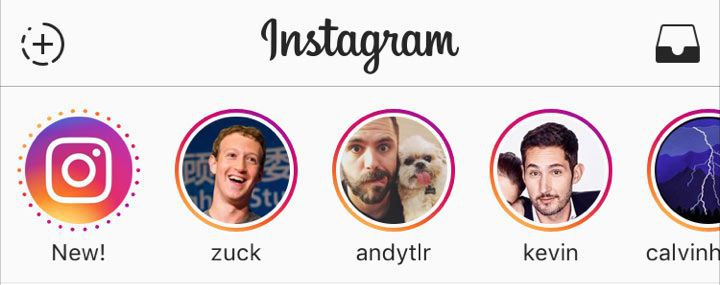
- Step 1: Open Instagram and go to your profile by tapping your profile picture in the bottom right.
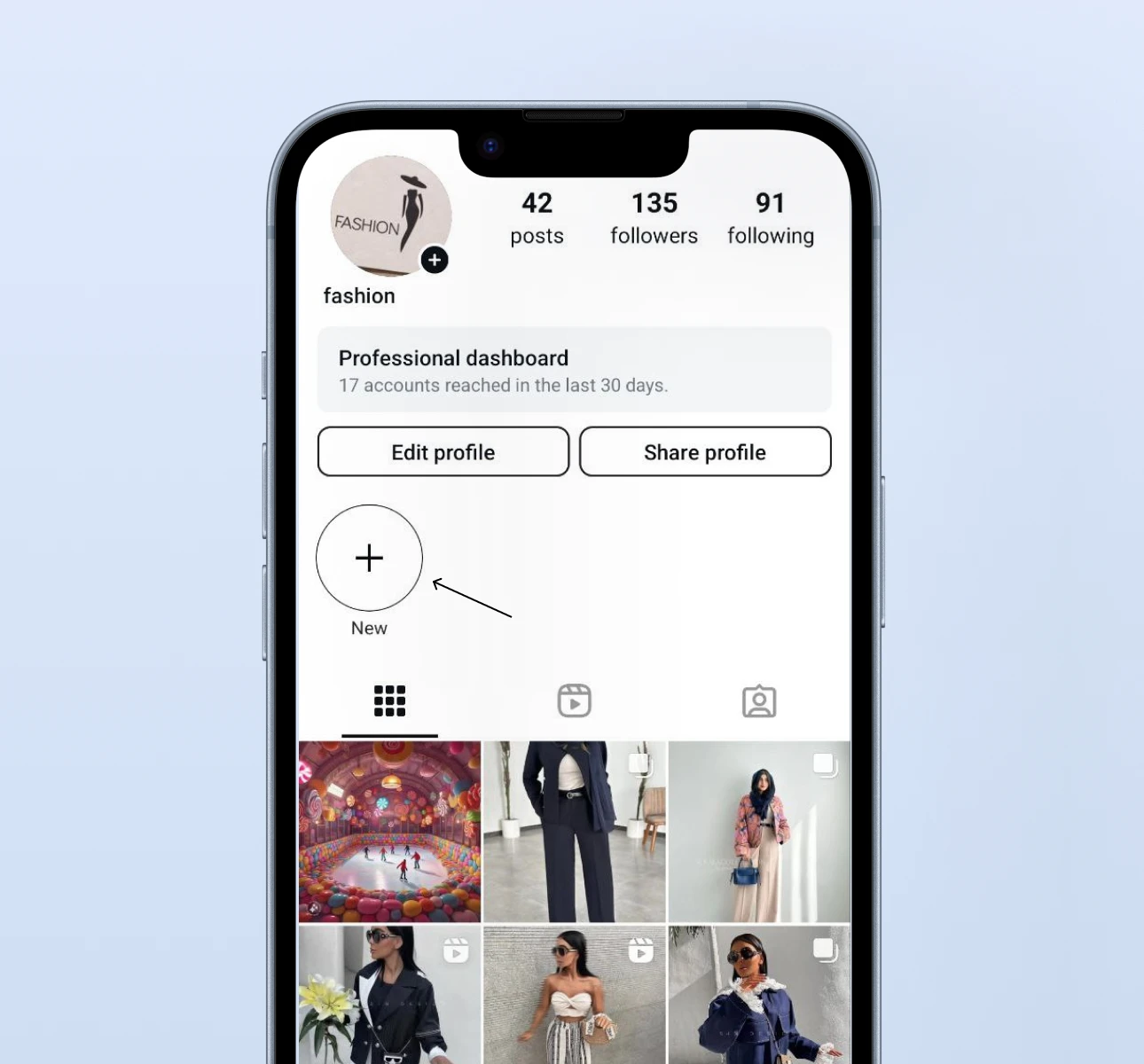
- Step 2: Tap the “+” button in the Highlights row (or tap “New” if you see that option). On some Instagram versions, you may need to tap the three-line menu and select “Story Highlights.”
- Step 3: Select the stories you want to include in the highlight and tap Next.
- Step 4: When you reach the name field, delete any text that’s there. Then paste the invisible character you copied from the tool above. The field will look empty, but it now contains the invisible character.
- Step 5: Customize your cover image if you’d like, then tap Done (iOS) or the checkmark (Android). Your new highlight will appear on your profile with no visible name.
Method 2 – For an Existing Highlight
- Step 1: Go to your Instagram profile and find the highlight you want to edit.
- Step 2: Long-press (tap and hold) on the highlight circle until a menu appears.
- Step 3: Tap “Edit Highlight” from the popup menu.
- Step 4: Tap the name field, select all the existing text, and delete it. Then paste the invisible character.
- Step 5: Tap Done to save. The highlight name will disappear from view while the highlight itself stays intact.
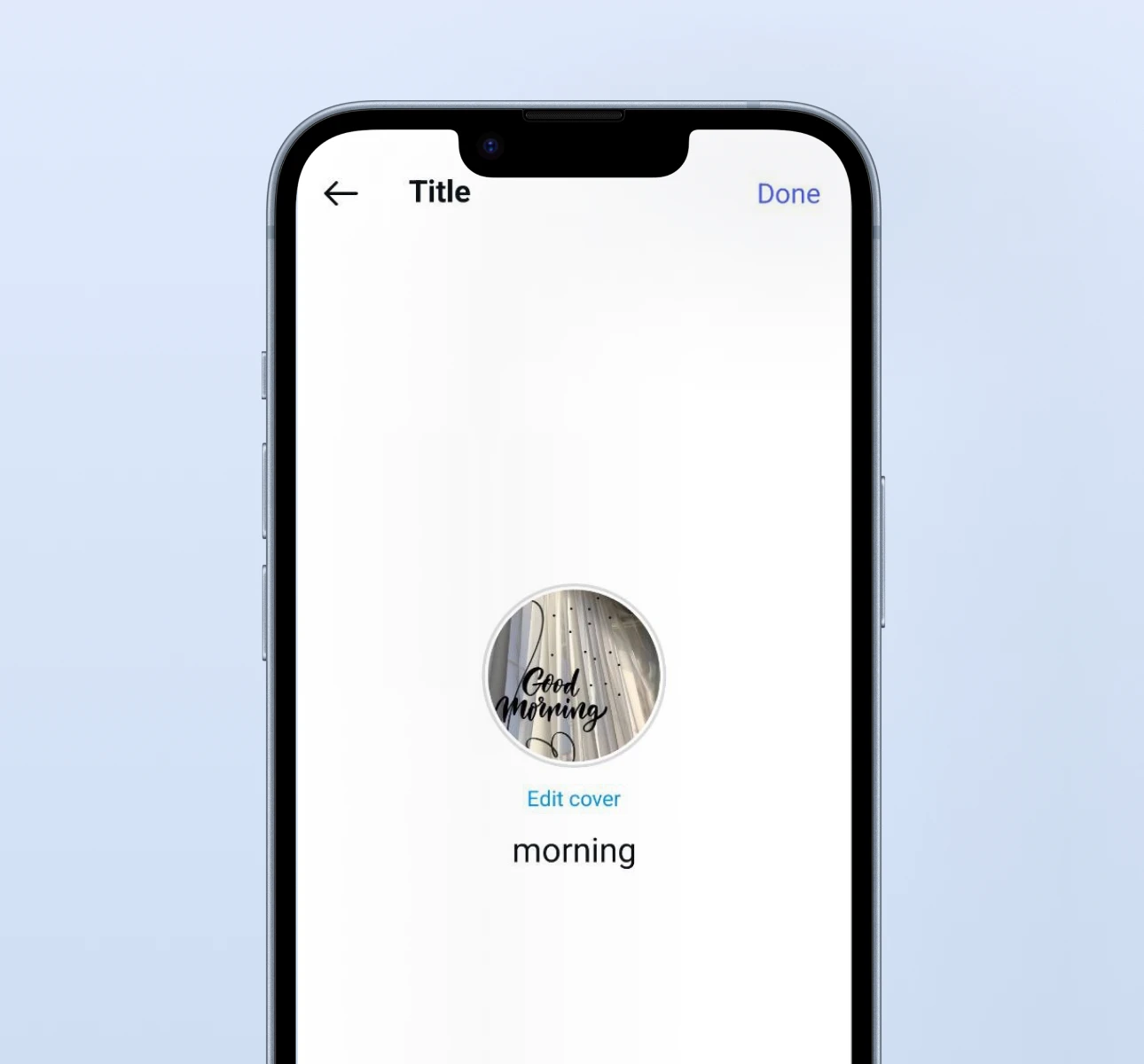
How to Make Highlight Name Blank on iPhone (iOS Tutorial)
The process on iPhone is straightforward, and iOS has excellent support for the Hangul Filler character. Here’s the iOS-specific walkthrough:
- Copy the invisible character from the copy tool above. If you have trouble selecting it in Safari, try opening this page in Chrome for iOS instead.
- Open the Instagram app and navigate to your profile.
- Long-press the highlight you want to edit, or create a new one.
- In the name field, tap the × to clear it (or select all and delete).
- Tap and hold in the empty name field, then tap Paste when the option appears.
- Tap Done in the top right corner.
iOS Compatibility
iPhones running iOS 14 and later have a 98% success rate with the U+3164 character. If you’re on iOS 13 or earlier, you might see a tiny dot instead of a completely blank space which in that case, try the U+2800 Braille Pattern Blank as a backup.
Common iPhone issue: If the Paste option doesn’t appear after clearing the name field, try this workaround: open the Notes app, paste the invisible character there first, then copy it again from Notes. Now go back to Instagram and paste. This intermediate step resolves a clipboard quirk that some iOS versions have with special Unicode characters.
How to Make Highlight Name Blank on Android
Android devices handle invisible characters well, though the exact behavior can vary slightly between manufacturers.
- Copy the invisible character from the tool at the top of this article.
- Open Instagram and go to your profile.
- Long-press the highlight, then tap Edit Highlight.
- Clear the name field completely.
- Long-press in the empty field and select Paste.
- Tap the checkmark or Done to save.
Android Compatibility
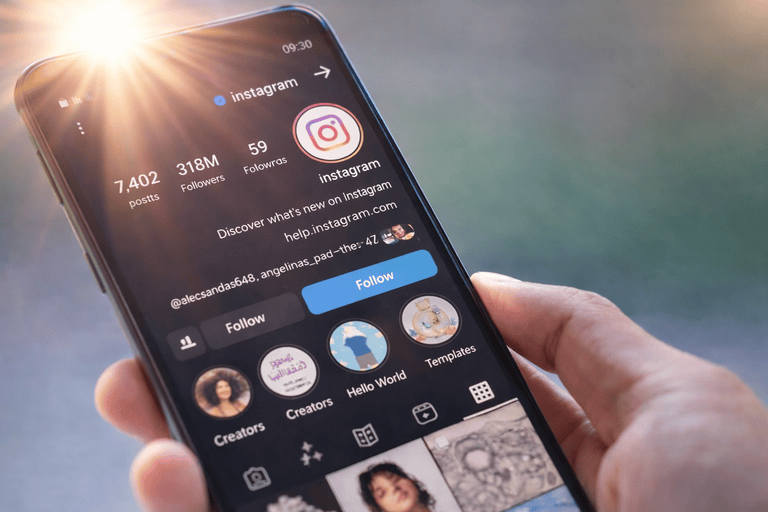
On Samsung, Google Pixel, and OnePlus devices running Android 11 or newer, the U+3164 character works flawlessly. Older Android devices (pre-2020) may display a small square or box character instead of blank space. If that happens, try U+2800 as your first backup.
Samsung-specific tip: Samsung’s default keyboard sometimes auto-corrects or strips special characters. If the invisible character doesn’t paste correctly, temporarily switch to Gboard (Google Keyboard) for the paste operation, then switch back.
How to Make Highlight Name Blank on Desktop (Web Browser)
You can also edit highlight names through Instagram’s web interface at instagram.com, though the mobile app tends to be more reliable for this trick.
- Open instagram.com in your browser and log in.
- Click on your profile picture to go to your profile.
- Click on the highlight you want to edit.
- Click the three-dot menu (⋯) in the bottom right of the highlight viewer.
- Select Edit Highlight.
- Clear the name field and paste the invisible character.
- Click Done.
Browser Compatibility
Chrome and Safari on desktop have about a 90% success rate. Firefox and Edge work about 85% of the time. If the web version strips the invisible character and reverts to “Highlights,” switch to the mobile app to make the edit because it’s more reliable for handling Unicode characters.
Unicode Characters That Work for Blank Highlights
Not all invisible characters are created equal. Here’s a full comparison of the characters people use for blank highlight names, along with their reliability on Instagram:
| Character | Unicode | Name | Instagram Highlights | Success Rate | Device Support |
|---|---|---|---|---|---|
| ㅤ | U+3164 | Hangul Filler | Best choice | 95% | All modern devices |
| ⠀ | U+2800 | Braille Pattern Blank | Good backup | 85% | Most devices |
| U+200B | Zero Width Space | Sometimes stripped | 60% | Varies | |
| U+3000 | Ideographic Space | Bio use mainly | 80% | All devices | |
| U+00A0 | No-Break Space | Rarely works now | 40% | All devices |
Which one should you try first?
Start with U+3164 (Hangul Filler). It has the highest success rate because Instagram’s text validation recognizes it as a legitimate character and it’s part of an actual writing system (Korean Hangul), not just a formatting space. If that doesn’t work on your device, move to U+2800 (Braille Pattern Blank), which is the second-most reliable option.
From a technical standpoint, the reason some characters get stripped while others don’t comes down to how Instagram’s backend processes text input. Characters classified as “whitespace” in Unicode (like U+00A0 and regular spaces) are often trimmed or normalized. Characters classified as “letters” or “symbols” even if they’re visually blank, they tend to survive processing.
Why Your Blank Highlight Name Isn’t Working (Troubleshooting)
If you’ve tried pasting an invisible character and it didn’t work, here are the most common problems and how to fix them.
Instagram Replaced It With “Highlights”
This means the character was stripped during processing. Instagram periodically updates how it handles special characters. Try a different character from the table above and check if U+3164 was stripped, U+2800 often still works.
The Character Shows as a Box (□) or Question Mark
This is a device rendering issue, not an Instagram issue. Your phone’s font doesn’t include a glyph for the character you pasted. The highlight name might actually be blank when viewed on other devices. Try U+2800, which has broader font support.
The Name Reverts After an Instagram Update
Instagram app updates occasionally reset special characters in highlight names. When this happens, you’ll need to re-edit each highlight and paste a fresh invisible character. It’s a minor annoyance, but the fix only takes a few seconds per highlight.
The Paste Option Doesn’t Appear
Some devices require text to be in the clipboard before showing the Paste option. Try this: open any text app (Notes, Google Keep, or a messaging app), type a regular word, then paste the invisible character after it. Copy the invisible character by itself from that app, then go to Instagram.
Fix – Copy via Notes App First
If you’re having persistent issues, this workaround resolves most clipboard problems: open your Notes app, paste the invisible character, verify you can see the cursor move (indicating the character is there), copy it from Notes, and then paste into Instagram. This “double-copy” method forces the character through your system clipboard properly.
How Instagram Updates Affect Blank Highlight Names
Instagram’s text filtering system evolves over time. In the past, simpler characters like the no-break space (U+00A0) worked perfectly and now they get stripped about 60% of the time. The characters that work today (especially U+3164) have remained stable for over two years, but there’s no guarantee Instagram won’t change its filtering.
Here’s how to stay ahead of updates: bookmark this page (we keep the copy tool updated with the most reliable character), and if you notice your blank highlight names have reverted after an Instagram update, come back and grab a fresh character. We test these characters regularly and update the recommendations when Instagram changes its handling.
If an update breaks your blank names, simply re-edit each highlight using the same process: long-press → Edit Highlight → clear and paste → Done.
When to Use Blank Highlight Names (and When Not To)
Blank highlight names aren’t right for every account. Here’s when they shine and when you might want to keep visible labels.
Best For
Blank highlight names work beautifully for minimal aesthetics and clean profile designs. If you’re a photographer, visual artist, or lifestyle brand, removing highlight labels lets your custom cover images do the talking. Portfolio-style accounts, personal branding pages, and anyone going for that sleek, magazine-feel profile will benefit from this approach.
They also work well when your highlight covers are self-explanatory. If your cover icons clearly represent “Travel,” “Food,” and “Work,” the text labels become redundant.
Not Ideal For
Service-based businesses (coaches, consultants, real estate agents) often benefit from visible highlight labels because potential clients scan profiles quickly and need to find specific information like “Testimonials” or “Pricing.” Removing labels adds friction.
Accessibility-focused accounts should also think twice because screen readers rely on text labels to describe highlight content for visually impaired users. An invisible character gives the screen reader nothing to announce.
Removing highlight names has zero impact on your engagement metrics or algorithmic reach. It’s a purely cosmetic change. The algorithm doesn’t care whether your highlights have visible names or not.
Download and Save Instagram Highlights
Now that your highlights look clean and polished with blank names, you might also want to save highlights from other accounts whether for inspiration, content research, or personal archiving.
You can download Instagram highlights for free using our highlight downloader tool. Just paste the link to any public Instagram profile, select the highlight you want to save, and download it directly to your device.
Pair this with our highlight cover downloader if you want to save cover images for reference when designing your own. You can also grab highlight thumbnails separately.
Want more inspiration for your highlights? Check out our list of Instagram highlight name ideas or, if you’re managing highlights from a computer, here’s our guide on how to add a story to highlights on a computer. You can also learn how to download highlight covers from Instagram to pair custom covers with blank names for the cleanest profile aesthetic.
Device Compatibility at a Glance
| Device / Platform | Success Rate | Recommended Character | Notes |
|---|---|---|---|
| iPhone (iOS 14+) | 98% | U+3164 | Works flawlessly |
| iPhone (iOS 13 or older) | 85% | U+3164 | May show tiny dot |
| Android (2023+) | 95% | U+3164 | Works flawlessly |
| Android (2020–2022) | 90% | U+3164 or U+2800 | Test both |
| Android (pre-2020) | 70% | U+2800 | May show boxes |
| Chrome / Safari (Web) | 90% | U+3164 | Less reliable than mobile |
| Firefox / Edge | 85% | U+3164 | Test before committing |
Instagram Updates
Sometimes Instagram updates can break the things. The app sometimes stops recognizing certain characters after updates and you can not have the same result as you see in your profile.
To solve this issue you need to apply your blank characters using the same editing steps we mentioned again. This usually solves update issues.
Leaving You With This
Leaving your Instagram highlight names blank might seem like a small and simple detail, but these little touches can make a huge difference in how attractive and polished your profile looks. By using invisible characters and simple tricks, you can create a cleaner, more professional, and visually appealing page.
Remember, these techniques don’t just give your profile a unique look but they also help your audience focus more on the main content of your highlights. In the end, choosing your highlight names, even if it seems minor, plays a key role in shaping your profile’s visual identity and deserves careful attention.
Frequently Asked Questions
Copy the invisible character (U+3164) from the copy tool at the top of this page. Open Instagram, go to your profile, long-press the highlight, tap Edit Highlight, clear the name field, paste the invisible character, and tap Done.
The most reliable character is U+3164, called the Hangul Filler. It’s a Unicode character from the Korean writing system that appears completely blank but is treated as valid text by Instagram.
Yes. It works on iPhone (iOS 14 and newer), Android (2020 and newer), and web browsers, with a 90–98% success rate depending on your device.
Instagram automatically assigns the default name “Highlights” if the field is truly empty. The invisible character tricks Instagram into thinking there’s a valid name present, so it doesn’t fill in the default.
No. Using Unicode characters is a text formatting technique, not a violation of Instagram’s Terms of Service or Community Guidelines. You won’t get flagged or penalized.
Your device’s font doesn’t include a visual representation for the character you pasted. Try U+2800 (Braille Pattern Blank) instead because it has wider font support.
Re-edit each affected highlight and paste a fresh invisible character. Instagram updates sometimes reset special characters in highlight names, but re-applying the character fixes it.
No. Instagram requires alphanumeric characters for usernames (@handles). Invisible characters only work for display names, bios, and highlight titles.
Just one. Pasting multiple invisible characters can cause display glitches, extra spacing, or get filtered out by Instagram’s text processing.
Not at all. Blank highlight names are purely cosmetic. They have no impact on Instagram’s algorithm, your post reach, or engagement metrics. The only consideration is that some followers may find text labels helpful for navigating your content.
Yes. Use our free Instagram highlight downloader to save any public highlight directly to your device.
Yes, though the mobile app is more reliable. If the web version strips the invisible character and fills in “Highlights” as the default, try making the edit through the mobile app instead.