You are scrolling through Reels when a track stops you mid-swipe, the kind of sound you want saved before it disappears into the algorithm forever. Whether it is a trending beat, a voiceover, or a song you cannot get out of your head, the urge to keep it is completely understandable.
To download Instagram music, copy the link to the Reel or video that contains the audio, paste it into a free online downloader such as PasteYourLink, then save the extracted track as an MP3 file. It works on iPhone, Android, and desktop, with no app to install and no signup required.
That is the quick answer, but the best method shifts a little depending on whether you want a clean MP3 for offline listening, a sound saved inside Instagram to reuse in your own Reels, or a high quality file for a video project. This guide walks through every reliable way to download Instagram audio in 2026, including the device-specific steps and the legal side that most tool pages skip over.
The quickest way to download Instagram music as MP3
The fastest way to download Instagram music is to paste the post link into a web-based audio downloader, which extracts the sound from the video and hands you a ready MP3 file. The process is identical on every device because everything happens inside your browser, with nothing to install and no account to create.
- Open Instagram, find the Reel or video that has the audio you want, and tap the Share icon (the paper plane) or the three dots, then choose Copy link.
- Open PasteYourLink in your browser and paste the link into the box.
- Press download, then choose the audio or MP3 option when the result appears.
- Save the file to your device, where it lands in your Downloads, Files, or Music folder ready to play offline.
Because the tool pulls the audio straight from the original media stream rather than recording your screen, the track stays crisp instead of arriving muffled or full of background taps. The same approach works whether you are saving a song snippet, a podcast clip, or a voiceover, and it is the method we will build on for iPhone and Android below.
How to download Instagram audio as MP3 on iPhone
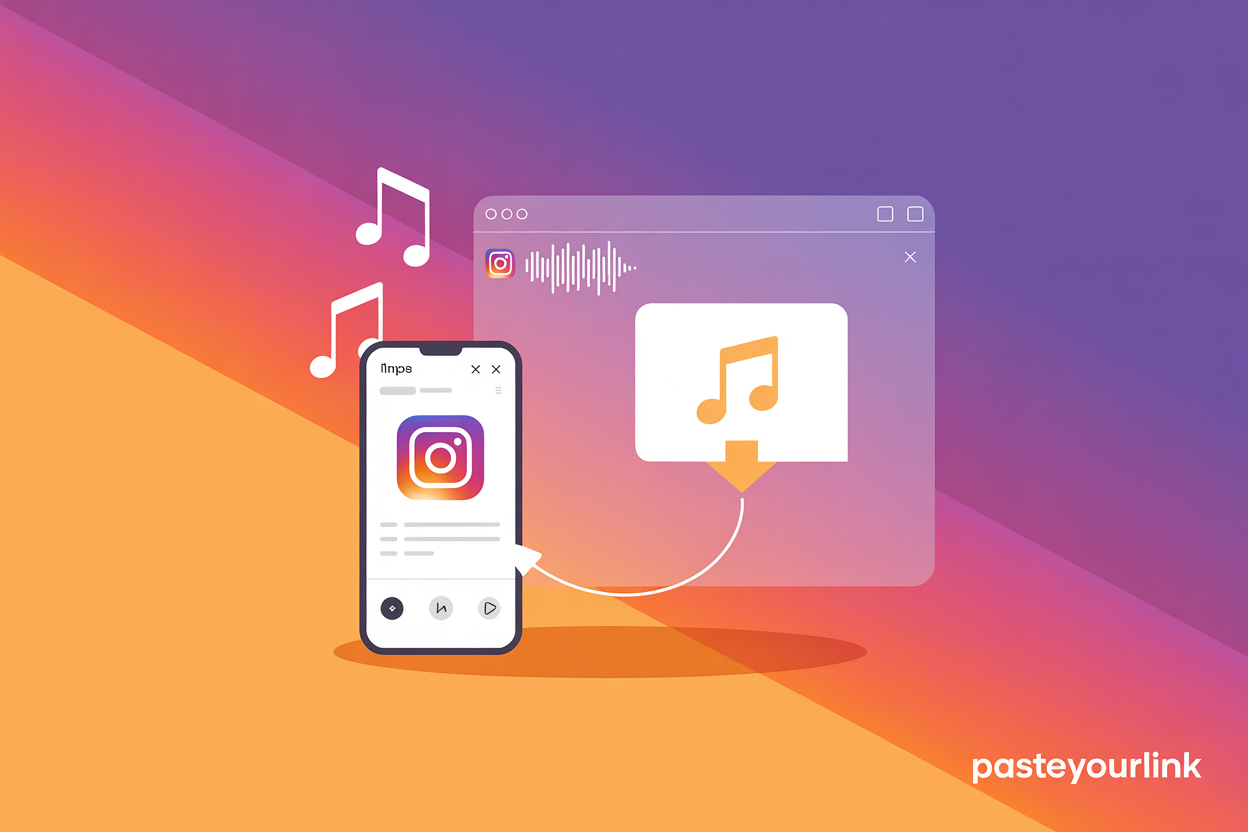
To download Instagram audio on an iPhone, copy the Reel link in the Instagram app, open a browser like Safari, paste the link into an online downloader, and save the MP3 straight into the Files app. Apple does not let apps drop audio directly into your Music library, so the file lives in Files where any player can open it.
- In Instagram, tap Share on the Reel and choose Copy link.
- Open Safari and go to PasteYourLink, then paste the link and tap download.
- Choose the audio option, and when the MP3 loads, tap the download or share icon and select Save to Files.
- Pick a folder such as Downloads, and your Instagram audio is saved for offline listening.
If you want the track as a ringtone or inside a video edit, you can import the saved MP3 into GarageBand or your editing app of choice, since the file sitting in Files behaves like any other audio you own.
How to download Instagram music on Android
To download Instagram music on Android, copy the Reel or video link in the Instagram app, open Chrome, paste it into an online audio downloader, and the MP3 saves into your Downloads folder automatically. Android is more flexible than iOS here, so most music players pick the file up the moment it lands.
- Tap Share on the Instagram Reel and select Copy link.
- Open Chrome, go to PasteYourLink, and paste the link.
- Tap download, choose the MP3 or audio option, and confirm the save.
- Open your Files or Downloads app, where the track is ready, or move it into your preferred music app.
The same browser-based steps apply if you are also saving the full clip rather than only the sound, which is covered in our guide on how to download Instagram Reels in full quality.
How converting a Reel to MP3 actually works
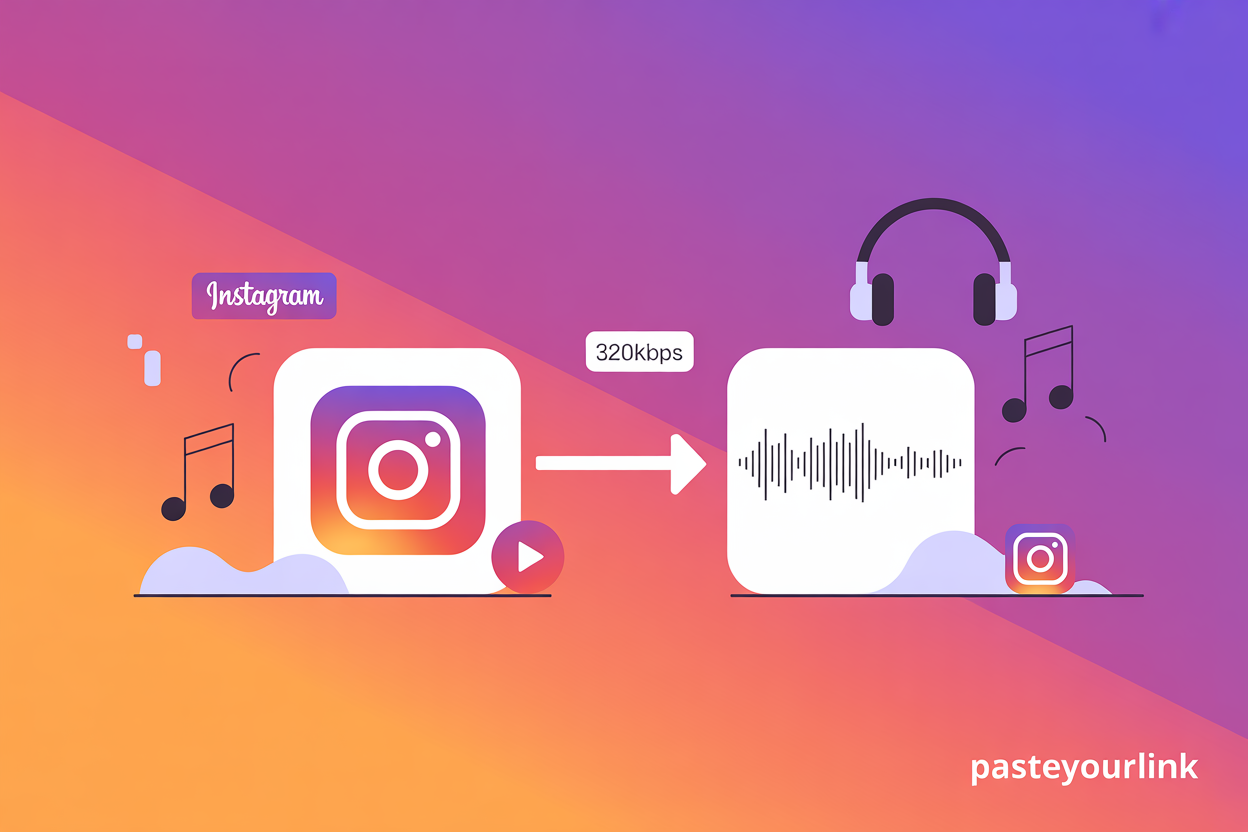
Converting an Instagram Reel to MP3 means the downloader fetches the video file, separates the audio track from the visuals, and re-encodes that track as a standalone MP3. You never deal with any of this manually, but knowing what happens explains why the quality of your download depends on the original upload.
- Bitrate matters: a good downloader keeps the highest bitrate the source allows, often up to 320kbps, so the MP3 sounds clean on headphones and speakers rather than thin or compressed.
- Source quality is the ceiling: if the creator uploaded a quiet or low quality recording, no tool can magically improve it, because extraction can only match the original, never beat it.
- MP3 is the universal format: it plays on virtually every phone, laptop, and music app, which is why it has stayed the default for portable audio.
How to save a sound inside Instagram without downloading it
If you only want to reuse a sound in your own Reels rather than keep an MP3, the easiest option is to save it inside Instagram using the built-in bookmark, which keeps the audio linked to the original creator and ready to add to your next post. This route does not give you a downloadable file, but it is perfect for creators planning content.
- Open the Reel and tap the spinning audio name at the bottom of the screen to open the sound page.
- Tap the Save or bookmark icon to add it to your saved audio.
- To find it later, go to your profile, open the menu, tap Saved, then choose Audio.
Saved sounds stay inside the app and cannot be exported, so if you want the track for offline listening or an external project you will still need to download Instagram music as an MP3. When you are ready to build a post around a saved sound, our walkthrough on how to add downloaded music to an Instagram Story takes it from there, and our roundup of how to find trending music for Instagram helps you choose what to use next.
Is it legal to download Instagram music?
Downloading Instagram music for personal, offline listening generally sits in a grey area that most people treat as acceptable, but reusing copyrighted audio commercially or reposting it as your own can break both copyright law and Instagram’s terms. The safe rule is that saving a track to enjoy privately is very different from profiting from someone else’s work.
- Personal use is the safe zone: keeping a sound to listen to offline, study, or set as a personal ringtone is low risk and widely accepted.
- Commercial use needs permission: if you plan to monetise a video or advert, you need a licence or the creator’s clear permission, since most music is owned by labels or artists.
- Credit the creator: when you reuse audio inside Instagram, the platform keeps the original attribution, which is the respectful and safer way to build on someone’s sound.
Instagram’s own Help Centre sets out how music can be used on the platform, and it is worth a read if you are publishing anything beyond personal posts. Treat downloaded tracks the way you would any other artist’s work, and you stay on the right side of both the law and the community.
Download Instagram music with PasteYourLink
For the cleanest route from a Reel to a saved MP3, paste the link into the PasteYourLink downloader and let it handle the extraction in seconds, with no watermark, no signup, and no software to install. The same tool also covers full clips, so you can save entire Reels, grab Instagram Stories, or work through every format in our complete guide to downloading Instagram videos when you need more than just the audio.
Key Takeaways
- The core method: copy the Reel link, paste it into a free online downloader, and save the audio as an MP3, with no app needed.
- iPhone saves to Files while Android saves to Downloads, after which any music player can open the track.
- Quality depends on the source, so a good downloader preserves up to 320kbps but cannot improve a low quality original.
- Save a sound inside Instagram if you only want to reuse it in your own Reels, since saved audio cannot be exported as a file.
- Keep downloads personal, and get permission or a licence before using any track commercially.
Frequently Asked Questions
Copy the Reel link from the Share menu in Instagram, paste it into a free online audio downloader such as PasteYourLink, then choose the audio or MP3 option. The tool separates the sound from the video and gives you a standalone MP3 file to save.
On Android, downloading an Instagram track as an MP3 saves it to your Downloads folder, which most music apps read automatically. On iPhone, audio saves into the Files app rather than the Photos gallery, because Apple does not let apps add audio directly to your Music library.
Yes, using a reputable browser-based downloader is safe because there is nothing to install and no account to create. Stick to tools that do not ask you to log in with your Instagram details, avoid suspicious pop-ups, and you keep the process clean and private.
Downloading a track for personal, offline listening is widely accepted, but commercial use needs a licence or the creator’s permission because most music is copyrighted. To reuse a sound inside Instagram itself, save it through the app so the original creator stays credited.
Most downloaders deliver the audio as an MP3 file, which plays on almost any device. The quality depends on the original upload, and a good tool preserves the highest available bitrate, often up to 320kbps, so the track sounds clear rather than compressed.
No, online downloaders can only access public Reels and videos, so audio from private accounts cannot be fetched. If the content is private, the only way to reuse the sound is to save it inside Instagram while you have permission to view it.
Conclusion
Saving a sound you love should not take more than a few taps, and now it does not. Copy the link, paste it into a downloader, and you have a clean MP3 ready to play offline, drop into a project, or keep for the next time inspiration strikes. When the next track stops your scroll, you will know exactly what to do, and PasteYourLink is ready whenever you are.