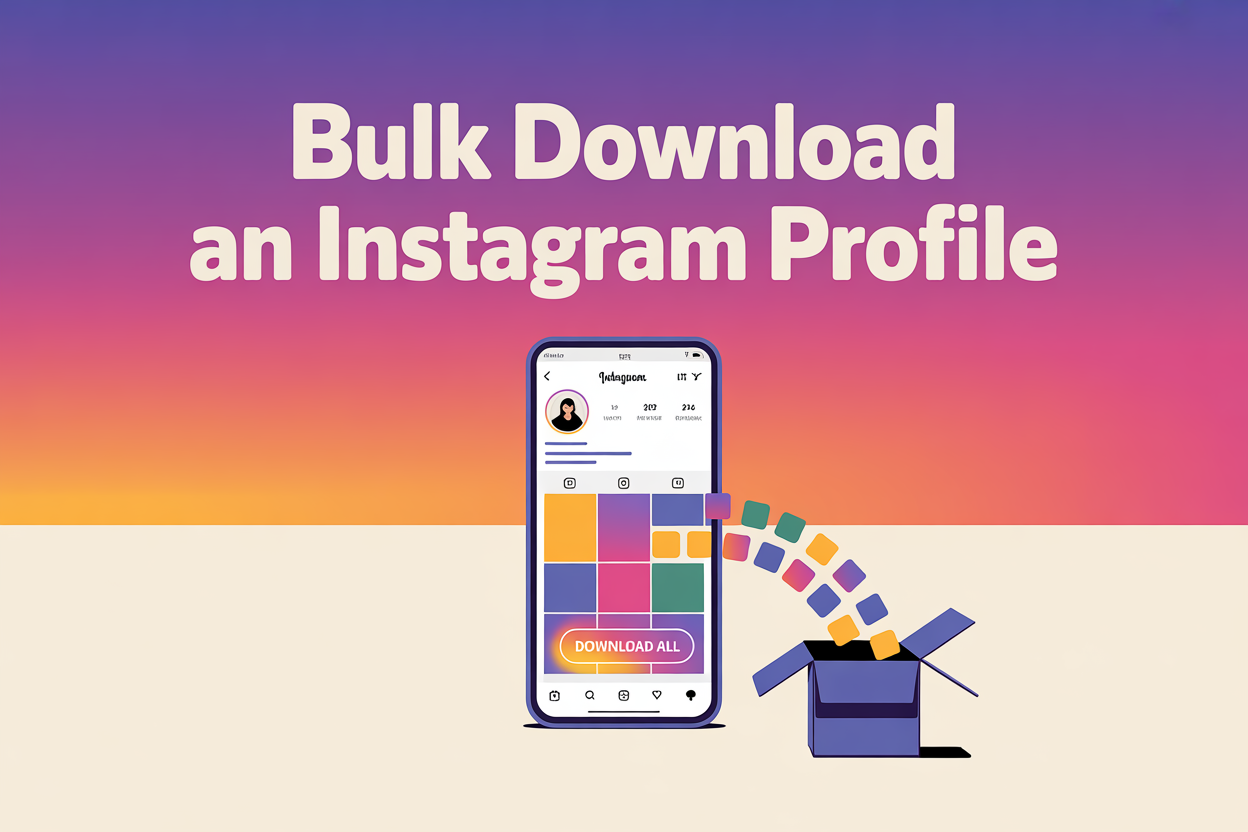
Saving one Instagram post is easy enough, but saving an entire account, every grid photo, Reel, Story and Highlight, is where most people give up and start tapping save on each item like it is 2015. There is a far quicker way, whether you are backing up your own years of content or archiving a creator’s feed before it changes.
To bulk download an Instagram profile, paste the account’s username or profile link into a profile downloader such as PasteYourLink, then download every public post, Reel, Story and Highlight in one batch. For your own account you can also use Instagram’s official Download Your Information export, which bundles your whole history into a single file.
That covers the fast route, but the best method shifts depending on whether the profile is yours or someone else’s, how large the account is, and whether you want a tidy archive or just the media files. This guide walks through every reliable way to bulk download an Instagram profile in 2026, across iPhone, Android and PC, with the limits and safety notes spelled out so nothing catches you off guard.
What does it mean to bulk download an Instagram profile?
Bulk downloading an Instagram profile means saving all of an account’s content in one operation rather than one post at a time, so a full feed that would take hours of manual tapping comes down to a single batch. A profile-level downloader reads the account, gathers every public item, and bundles it for you to save in the original quality.
Depending on the tool, a full profile download can include all of the following content types from a public account:
- Feed posts and carousels: every photo and multi-image post in the grid, at full resolution.
- Reels and videos: the account’s short clips and longer videos as MP4 files.
- Stories and Highlights: active Stories and the permanent Highlight collections pinned under the bio.
- Profile picture: the full-size avatar rather than the tiny in-app preview.
- Captions and metadata: some desktop tools also save the caption text, dates and engagement counts alongside each file.
One rule sits above all of this and never changes: legitimate downloaders only reach content that is already public. Private accounts, archived posts and anything the owner has deleted stay out of reach, which we come back to further down.
Method 1: Bulk download a profile online with a web downloader
The quickest way to bulk download a public Instagram profile is a web-based downloader, because it runs in your browser with nothing to install and no login to hand over. The same steps work identically on iPhone, Android and desktop, since everything happens online rather than in an app.
- Open Instagram and go to the profile you want to save, then copy the username or tap the three dots and choose Copy link (on desktop, copy the profile URL from the address bar).
- Open the PasteYourLink Instagram downloader in your browser.
- Paste the username or profile link into the box and press download.
- Choose the content you want, whether that is the whole profile or just the posts, Reels or Stories, then save the files to your device.
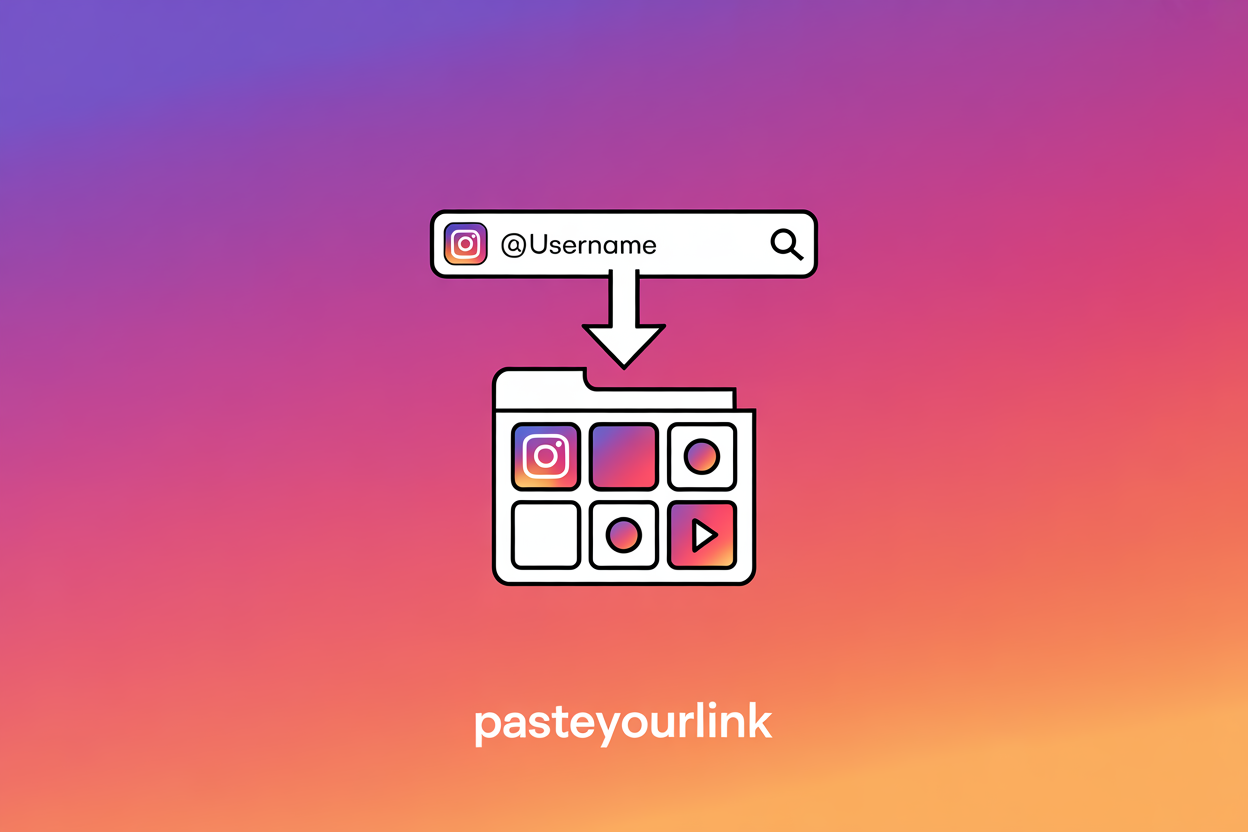
Because the tool pulls each file straight from Instagram’s servers, you get the original quality the creator uploaded, with no watermark stamped across it and no re-compression softening the result. This is the route we recommend for most people, since it never asks for your password and handles posts, Reels, Stories and Highlights from the same screen.
Method 2: Download your own entire profile with Instagram’s official export
To download your own complete Instagram profile, use Instagram’s official Download Your Information tool, which packages your entire history into a downloadable file straight from Meta. This is the most thorough and unquestionably legitimate option for backing up your own account, because it comes from Instagram itself rather than a third party.
- Open Instagram, go to your profile, then tap the menu and open Settings and privacy.
- Find Accounts Centre, then Your information and permissions, and choose Download your information.
- Select the Instagram account, pick high quality media, and choose whether you want everything or just photos and videos.
- Request the file, then wait for Instagram to email you a download link, which can take anywhere from a few minutes to a couple of days for a large account.
The export arrives as a ZIP archive containing your posts, Stories, Reels, profile details and more, so it is ideal before a rebrand, a deactivation, or simply as a yearly backup. The one trade-off is that it only ever works for an account you own and can log into, which is exactly why the web and desktop methods exist for everything else.
Method 3: Desktop apps for large archives and power users
For very large accounts or repeat archiving, a desktop downloader gives you the most control, because it can crawl an entire profile, sort files into folders and save captions and metadata alongside the media. These tools suit researchers, agencies and anyone backing up thousands of posts at once.
- Instaloader: a free, open-source command-line tool that downloads a profile’s posts, Stories, Highlights and metadata, popular with more technical users who are comfortable with a terminal.
- Desktop downloader apps: programs such as WFDownloader and 4K Stogram offer a point-and-click window where you paste a profile link and let it gather everything, working on Windows, Mac and Linux.
The upside of desktop software is depth, since it handles huge batches and keeps captions and dates intact, but it does come with setup, occasional breakages when Instagram changes its site, and the need to keep the app updated. If you only need the media and want zero installation, the web downloader in Method 1 is far less hassle.
How to bulk download specific content types
You do not always want a whole profile, and sometimes the goal is every Reel, every Story or just the photos rather than the lot. Each content type has its own focused walkthrough, so use this section as a map and click straight through to whatever you are saving in bulk.
- Reels: save an account’s short videos as clean MP4 files with our guide on how to download Instagram Reels.
- Stories and Highlights: grab active Stories before they expire and pull permanent Highlights any time using how to download Instagram Stories.
- Profile pictures: fetch the full-size avatar rather than the small preview with our Instagram profile picture downloader guide.
- Music and audio: keep just the sound from a Reel as an MP3 with how to download Instagram music.
- Everything in one place: our wider guide to downloading Instagram videos covers every format and the right method for each.
Can you bulk download a private Instagram profile?
No, you cannot legitimately bulk download a private Instagram profile, and any tool that claims it can is either misleading you or phishing for your login details. Private accounts hide their content from Instagram’s public layer entirely, so there is simply nothing for a downloader to fetch without breaking into the account.
The only honest ways to save content from a private account are to be an approved follower and ask the owner directly, or, if it is your own private account, to use the official Download Your Information export from Method 2. Treat any site promising a private profile download in exchange for your username and password as a scam, because handing those over is how accounts get hijacked.
How to avoid getting rate-limited or blocked
When you download a very large profile, Instagram can temporarily rate-limit or block requests, because it tracks how much content is being pulled in a short window. A web tool like PasteYourLink manages this for you, but if you use a desktop app a few sensible habits keep things running smoothly.
- Download one account at a time. Grabbing several profiles at once is the fastest way to trip Instagram’s limits, so work through them in sequence.
- Slow the pace. Most desktop tools have a crawl delay setting, and increasing it on a flagged connection avoids hammering the site.
- Use a spare account where logins are involved. If a tool needs you to be signed in, a separate account keeps your main profile safe should anything get restricted.
- Spread big jobs out. For an account with thousands of posts, downloading in a couple of sessions is gentler than trying to pull everything in one go.
Is it legal to bulk download an Instagram profile?
Bulk downloading public Instagram content is generally fine for personal use in most countries, including the UK, the US, the EU, Canada and Australia, since saving public posts to view offline sits within normal personal-use expectations. The line you cannot cross anywhere is treating someone else’s work as your own or using it commercially without permission.
- Do not re-upload another creator’s posts as if you made them, which is copyright infringement.
- Do not use downloaded content in adverts, paid products or commercial projects without a licence or the creator’s permission.
- Do not attempt to pull content from private accounts you were never given access to.
- Do credit creators when you reshare, and keep bulk archives for genuine personal, research or backup use.
Backing up your own account, archiving a creator’s public feed for study, or saving inspiration for a moodboard all fall comfortably within reasonable use. Profiting from someone else’s content without consent is where you move from sensible archiving into territory that can land you in trouble.
Whenever you want a clean, watermark-free copy of a whole profile or just part of it, paste the username or link into the PasteYourLink Instagram downloader, which saves posts, Reels, Stories and Highlights in their original quality alongside TikTok, Pinterest, Twitter/X and Facebook in the same place. It is free, it runs in your browser, and there is nothing to install.
Key Takeaways
- To bulk download a public profile, paste the username or profile link into a web downloader and save every post, Reel, Story and Highlight in one batch.
- For your own account, Instagram’s official Download Your Information export is the most thorough and unquestionably legitimate backup.
- Desktop apps like Instaloader and WFDownloader suit huge archives and can keep captions and metadata, at the cost of setup.
- Private profiles cannot be bulk downloaded by any honest tool, so never trade your password for a promised private download.
- Personal, research and backup use of public content is generally fine, but never repost or sell a creator’s work as your own.
Frequently Asked Questions
Yes. Paste the account’s username or profile link into a profile downloader such as PasteYourLink and it gathers every public post, Reel, Story and Highlight into one batch. For your own account, Instagram’s official Download Your Information export bundles your whole history into a single file.
Use a profile-level downloader rather than saving posts one by one. Copy the username or profile URL, paste it into a web tool like PasteYourLink, choose the whole profile or just the media, and download the files in their original quality to your phone or computer.
Open Settings and privacy, go to Accounts Centre, then Your information and permissions, and choose Download your information. Pick high quality media and request the file. Instagram emails you a ZIP archive of your posts, Stories, Reels and profile data, usually within minutes to a couple of days.
No. Private accounts hide their content from Instagram’s public layer, so no legitimate tool can reach it, and any site promising otherwise is usually phishing for your login. The only honest routes are to be an approved follower, or to use the official export if the private account is your own.
Downloading public content for personal, research or backup use is generally acceptable in most countries. It becomes a problem when you repost someone else’s work as your own or use it commercially without permission, which can breach copyright. Always credit creators and keep archives to personal use.
No. Instagram does not notify an account holder when their public posts, Reels or Stories are downloaded, whether you use a web tool or the official export. A browser-based downloader never logs into your account or marks you as a viewer, so the download leaves no trace.
Conclusion
Bulk downloading an Instagram profile really comes down to matching the method to the job. For anyone else’s public account, a web downloader pulls every post, Reel, Story and Highlight in one clean batch, for your own account the official Download Your Information export is the most complete backup, and for huge archives a desktop tool gives you folders, captions and metadata. Private profiles stay off-limits to any honest tool, and personal or research use of public content is generally fine as long as you credit creators and never resell their work.
Next time you need to archive a whole feed before it changes, copy the username and let the PasteYourLink downloader do the heavy lifting, free and straight from your browser, with Instagram and every other major platform covered in one place.